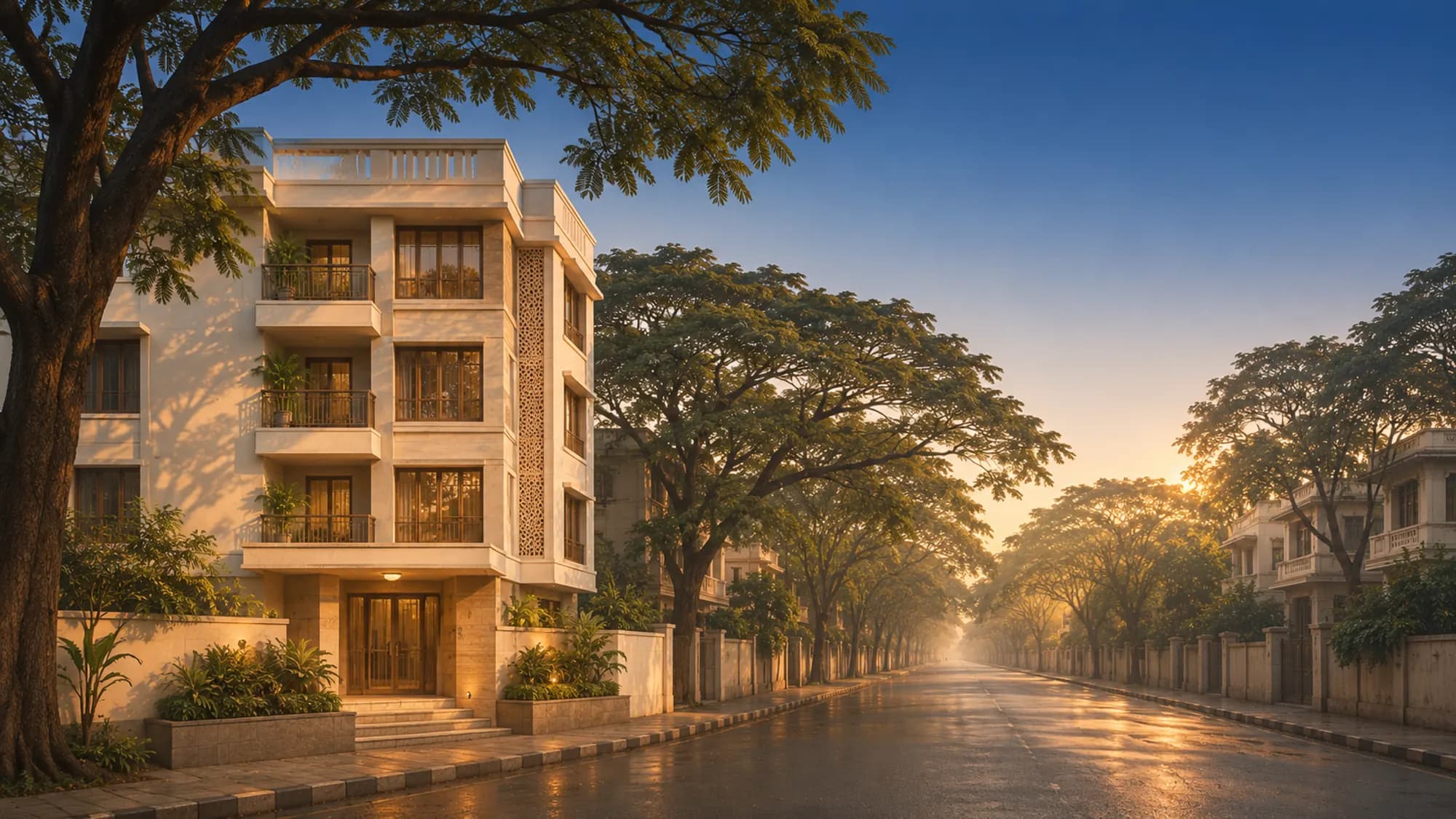
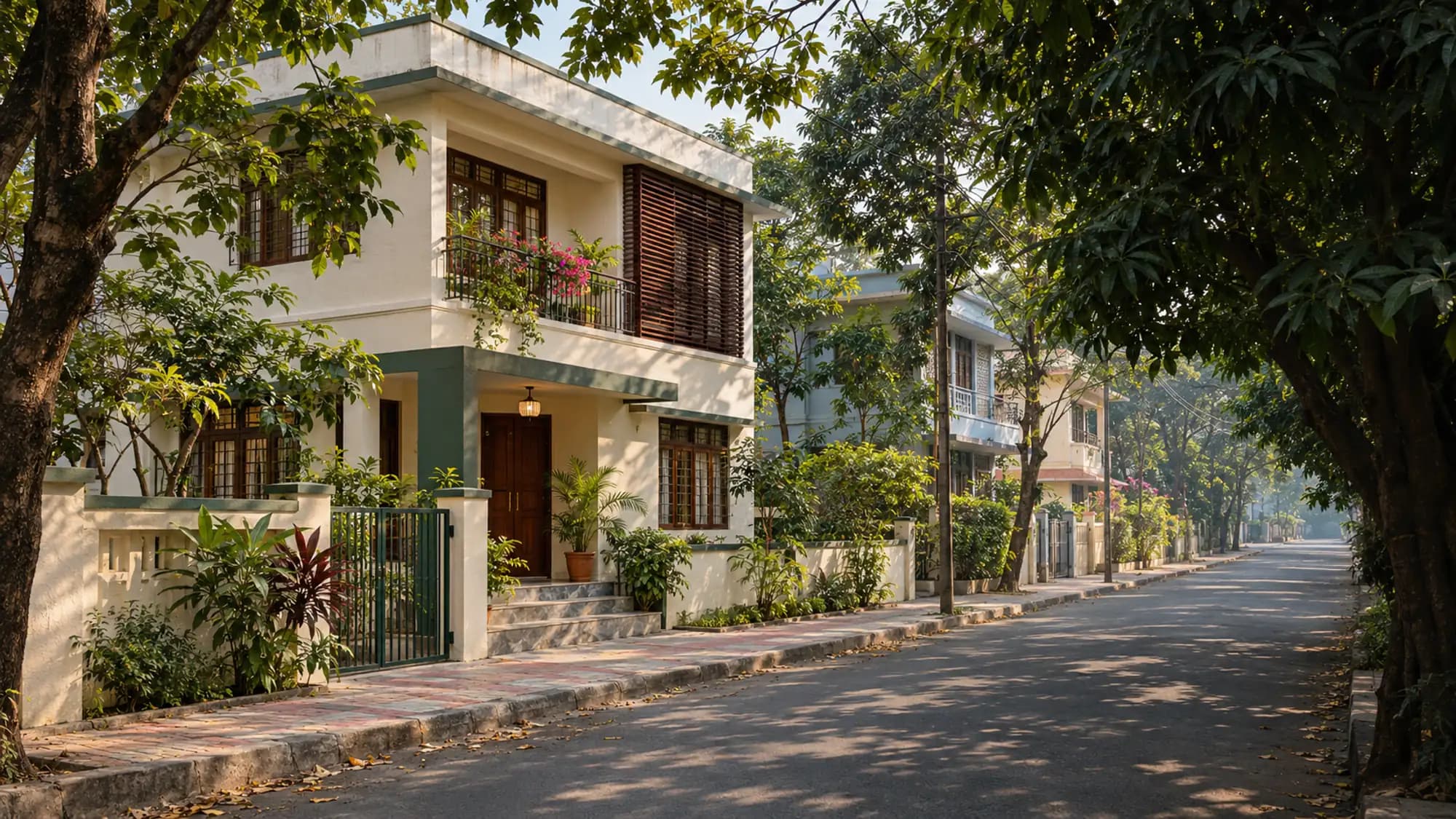
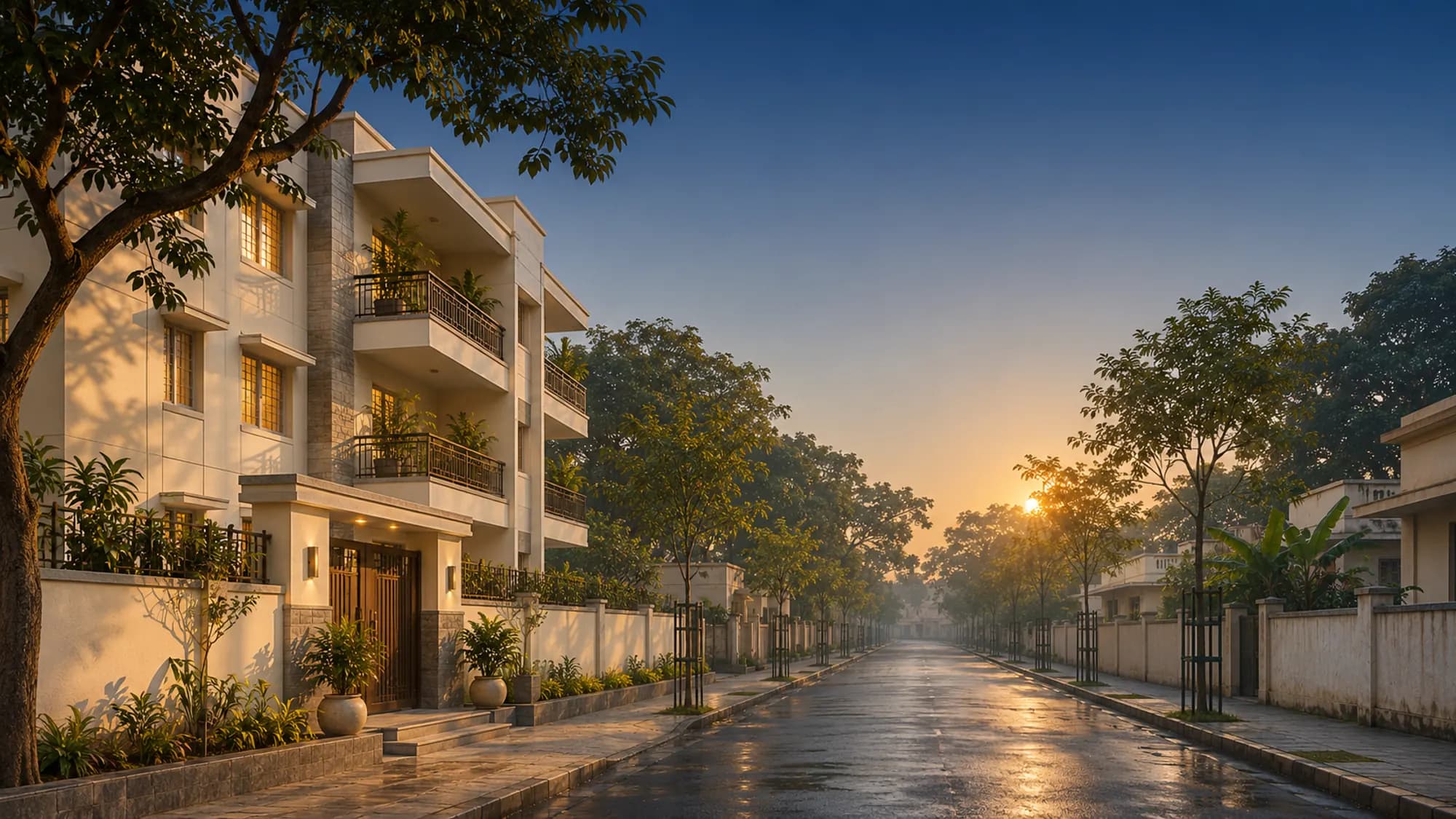
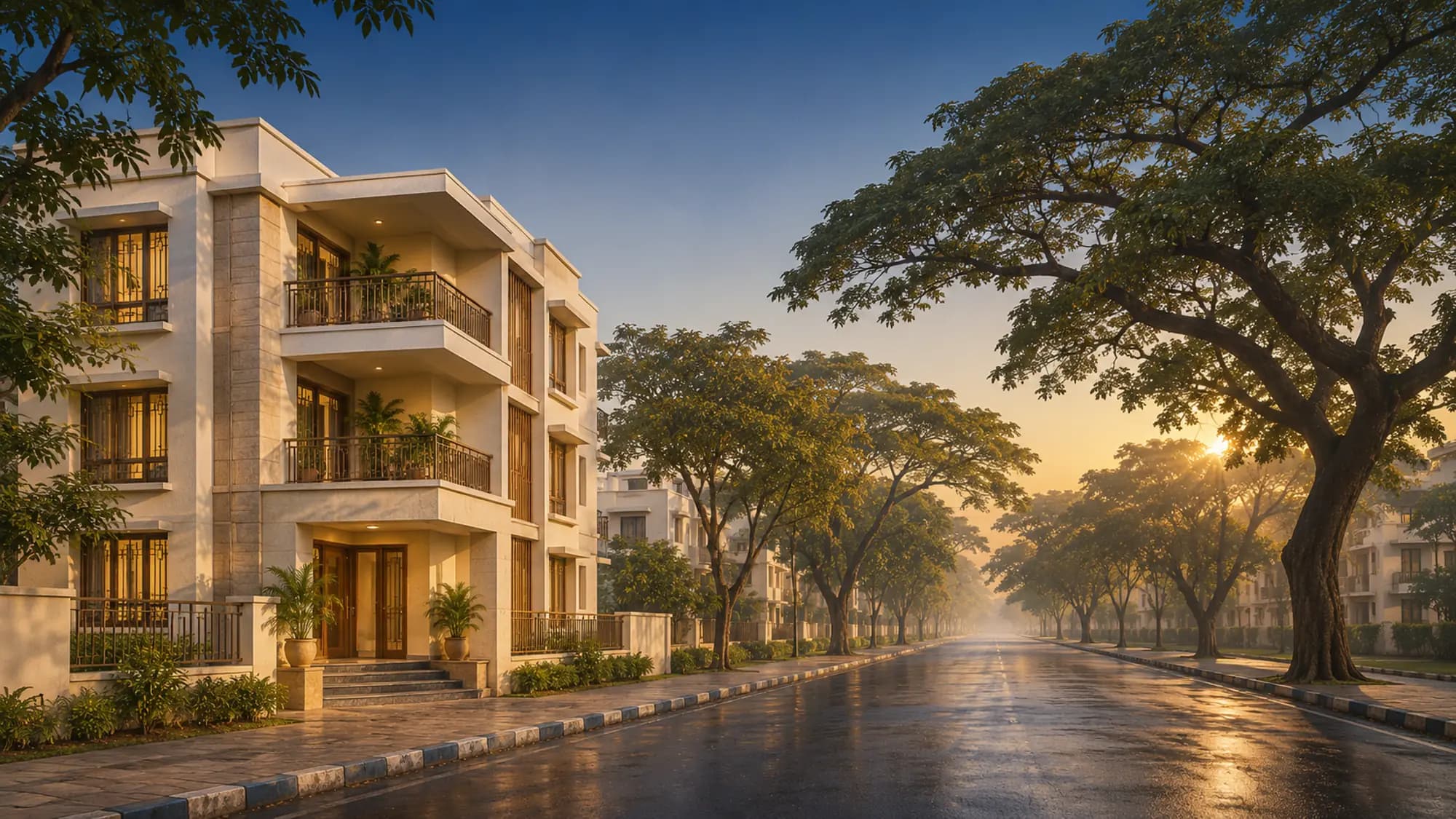
Describe the project, its location and the party authorised to offer it. Add supporting details and images you may use. This form sends a listing request for review; it does not publish a page or establish that the property's documents are complete.
What we do for a project once we have agreed to list it.
A page of its own
Place, kind, details and pictures on one page, in English, Hindi and Bengali.
An enquiry form on it
Buyers who like what they see can ask from the page, and the enquiry reaches our team.
A place in the lists
Your project is listed by its kind and its place, so people looking for it can find it.
Calls and visits
Our team answers calls and messages and arranges site visits for buyers who ask.
We promise no number of enquiries and no time. Each project is read on its own.
From a sheet to a page
Your drawings become a page of their own
You send the project's details and pictures for review. If the team agrees to take the listing forward, the proposed page brings its information together before publication.
01
You send your sheet
Your plans, details and pictures, entered in three short steps.
02
We read it by hand
A person on our team checks every listing and may ask you for changes.
03
It becomes a page
Your project gets a page of its own, with all its details in one place.
How it works
From your form to a page, in the open
1
You send your listing
Three short steps: about you, about the project, then its details and pictures.
2
We read it
A person on our team reads every answer and every picture. We may ask you a question or ask for changes.
3
We make your page
If we go ahead, we make the project's page as a draft and go through it ourselves.
4
We publish it
The page goes public only after our own checks, including the registration number where one is needed.
Ready to start? The form is at the top of this page.
The project's name and place, its kind and stage, a few lines about it, and pictures if you have them. A registration number too, if the project has one.
Do I have to be the developer?
No. You can list as a developer or builder, a land owner, or an agent or channel partner. Just tell us which you are.
What does it cost?
Sending the form costs nothing. If we go ahead, any terms are agreed with you in person and in writing, outside this website. Nothing is charged here.
Will every project be listed?
No. We read each one, we may ask for changes, and we may decline.
Can I change something after I send it?
Yes. Write to us with your application number and tell us what to change.
I run a company with many projects. Can I have my own sign-in?
Companies with several projects can ask for a partner portal of their own. Those terms are agreed in person, and our team sets the portal up.
What happens to the brochure and the papers I send?
Your answers, pictures and brochure are seen by our team only. The brochure is kept private, and we do not show it on the website. A page is first made as a draft, and it becomes public only when we publish it ourselves, after our own checks.
When does my project's page go public?
Only after a person on our team has read your listing, made the page as a draft and gone through it, and, where a project needs a registration number, checked that number. We promise no day for this, because each listing is read on its own.
Can I add pictures, and in what order are they shown?
Yes. Add the cover picture first and then the rest, each with a caption of your own. The page shows the cover first and the others in the order you gave. Tell the team whether each picture is an artist's impression or a photograph, so the material can be handled accurately.
Who can see the enquiries that come for my project?
An enquiry about your project is kept in our protected back office. If your company has a partner portal, your own team can see it there too. Nobody else can, and no other company ever sees your enquiries, your visitors or your team.
Can people in my team have different access?
In a partner portal, yes. The owner of the company's portal can add or remove a person, give each one access to chosen parts of the portal, and limit a person to chosen projects. A company that wants a portal is agreed in person, and our team sets it up.
Which property details should I prepare before requesting a listing?
Prepare the locality and property reference, the property type, the phase or unit if relevant, an outline of access and any documents that substantiate what you want to publish. Include photographs you own or have permission to use. Mark proposed features separately from what a visitor can inspect today.
How should I separate existing features from proposed work?
Describe what is present on the site now and label planned work separately in your submission. Explain which drawing, document or dated photograph supports each detail. Do not present a concept image as evidence that a facility exists, and identify any condition that must be met before proposed work could proceed.
What should I check before submitting someone else's photographs?
Confirm who owns the material and whether your permission covers this proposed website use. Keep the permission record with the original file and explain what the image actually shows. If you cannot establish the right to use it, provide your own authorised material instead; removing a watermark does not establish permission.
How do I keep different phases or property types distinct?
Give each offered phase or property type a clear reference and match its description, location and supporting records to that reference. Explain which information applies across the development and which applies only to one part. Separate files and clear labels help prevent one phase's features or paperwork being attached to another offer.
What should I tell the team when listing information changes?
Identify the listing and the exact detail that changed, with the replacement text and its supporting material. Say whether the change affects availability, a document, a drawing or the contact responsible for enquiries. Request a review of related information too, so an old image or description does not contradict the updated detail.
What is Versatile Realty, and what is it not?
We are a real estate practice that guides buyers, landowners and developers: finding property, explaining the papers, arranging visits and presenting projects. We are not a bank, a lender or a law firm, and we do not give legal or tax advice. Please take that from a qualified adviser of your own.
How is a site visit arranged?
Send the enquiry form, or use a contact button on the page. A person from our team calls you back, suggests the projects worth seeing and agrees a day and a time that suit you. We then take you to the site. There is no charge for asking, and you may change the day if your plans change.
Who may contact me after I send an enquiry?
Our team, on the number or e-mail you gave us. We use your details to answer your enquiry and to arrange visits. The Privacy Policy explains how they are kept, for how long, and how you can ask us to correct or remove them. Please read it, and ask us if anything is unclear.
How are my details kept?
Your enquiry is kept in a protected back office. If it is about a project listed by a partner company, that company's team can see it too, and nobody else. The Privacy Policy sets out what we keep and why, and what your rights are. You can write to us at any time about your details.
What does this website not do?
It does not sell a property online, and it does not make a booking for you. It does not promise a price, a date or a result. A price on a project page is a starting point until it is written in an agreement with the seller or the developer. Always ask for the papers.
Which languages can I use?
The website, its forms and its enquiry pages work in English, Hindi and Bengali, and you can switch from the menu on any page. When you speak to our team, tell us which language you prefer and we will try to talk to you in it.
What is an associate?
An associate is an independent broker, consultant or channel partner who joins our partner network to bring buyers or projects to us. People register on the Become an Associate page, and their enquiries are kept apart from buyers' enquiries. The terms are agreed with each associate in writing.
How do I list a project as a partner?
Open List your project and send the three short steps: about you, about the project, then its details and pictures. A person on our team reads every listing, may ask you for changes, and publishes the page only after our own checks. A company that wants a sign-in for many projects is agreed in person.